Shader Editor
Real-time HLSL shader editor with parameter presets and export tools
Overview
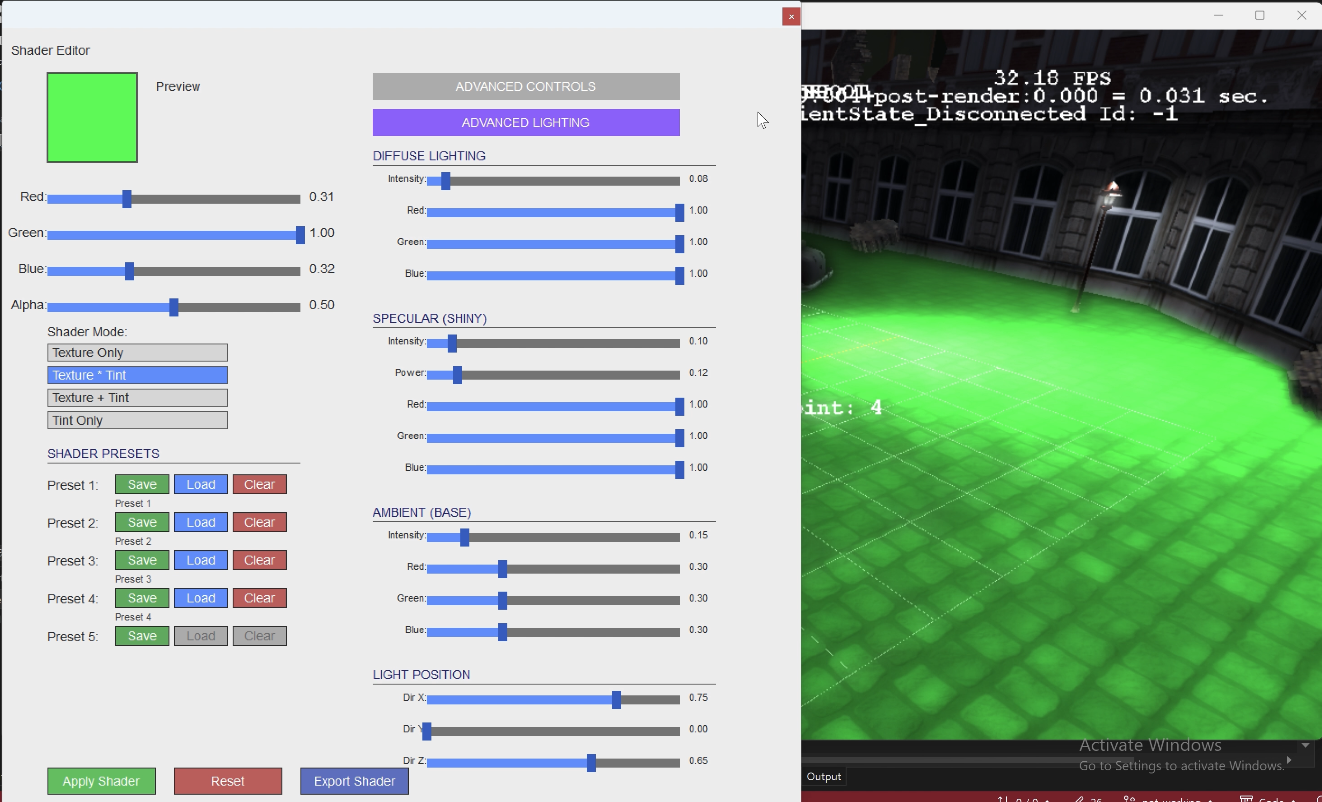
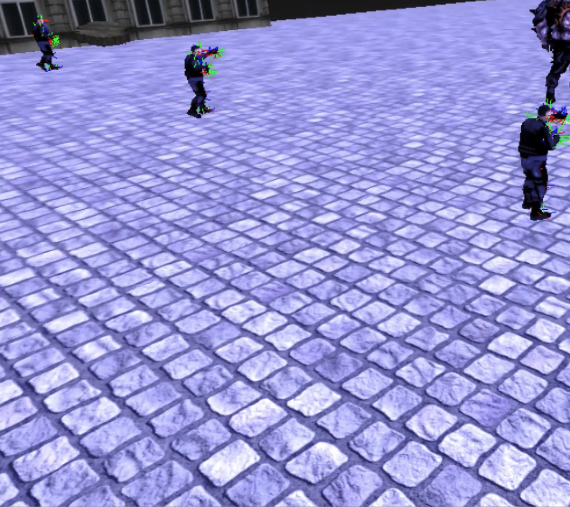
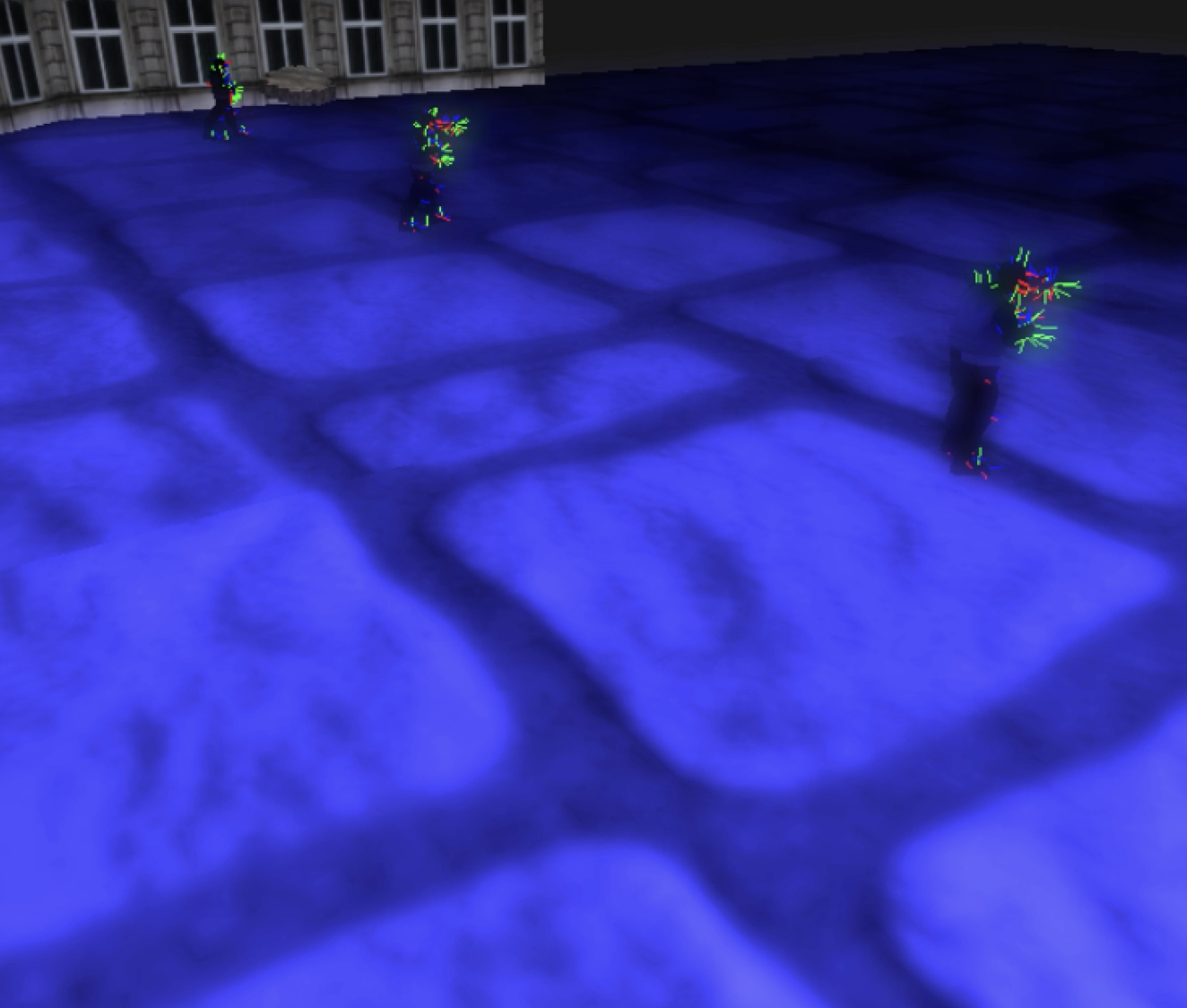
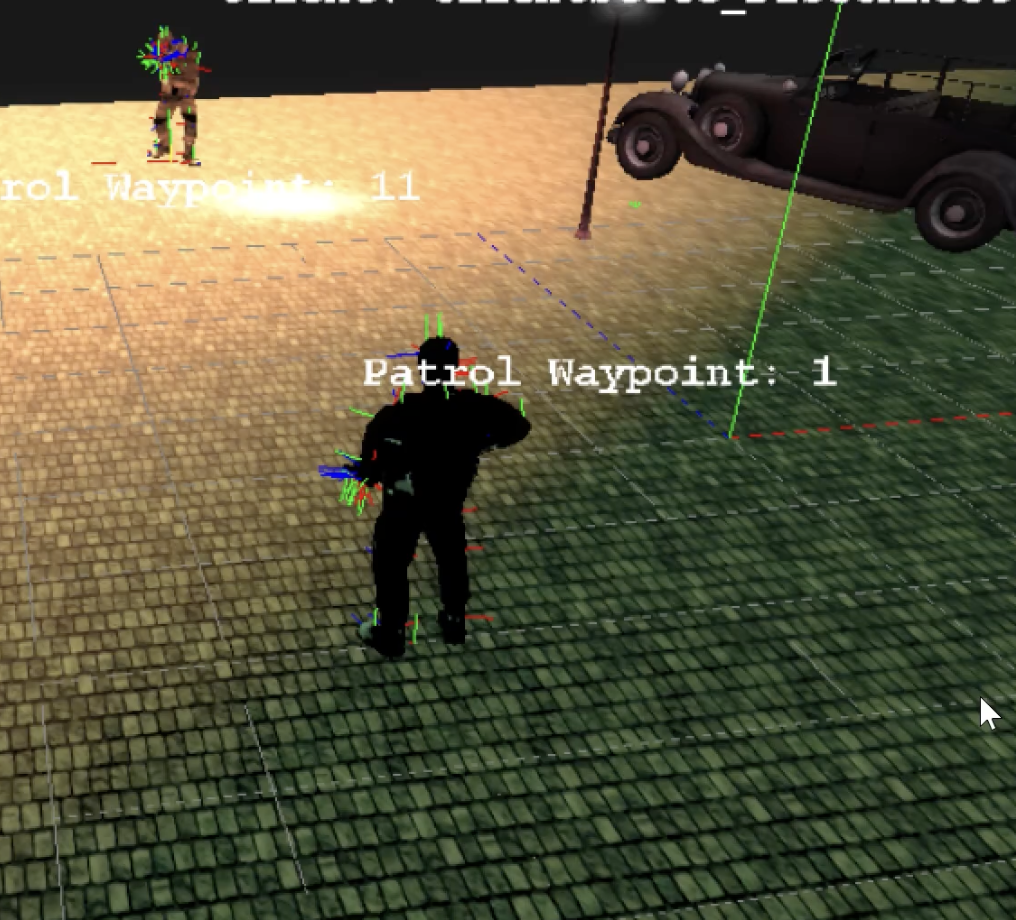
Shader Editor is a tool I built to make it easier to experiment with HLSL shaders. It lets you see the shader applied in realtime, adjust a wide range of visual settings through sliders, save and reload your favorite looks, and export the final shader code to use in the current project or other projects.
The typical workflow is: adjust sliders to see live updates on the target mesh, save favorite styles into preset slots, quickly switch between presets to compare different looks, and finally export the resulting shader code to a timestamped HLSL file for use in other tools or games.
Technologies
Key Features
- Real-time preview of dynamically generated shaders applied to flagged meshes.
- 35 adjustable visual and lighting parameters controlled via intuitive sliders.
- Visual controls for brightness, contrast, saturation, texture tiling/offset, glow, and posterization.
- Lighting controls using Blinn-Phong shading (surface brightness, specular intensity, shininess, ambient light, light direction).
- Preset system supporting up to 5 configurations persisted to disk.
- HLSL export pipeline that outputs complete, ready-to-use shader files.
Implementation
- Structured the editor into seven C++ files by responsibility: main loop and high-level logic, UI buttons and sliders, mouse and keyboard input, and dynamic shader code generation.
- On each parameter change and “Apply” click, the editor regenerates the HLSL source, compiles it via `D3DCompile`, and hot-swaps the pixel shader applied to the mesh.
- Isolated preset logic into dedicated `ShaderPresetManager` files that serialize and deserialize all parameters to `shader_presets.dat`, with actions for save, load, and clear on 5 preset slots.
- Built an export flow that opens a file save dialog and emits a timestamped HLSL file (e.g., `exported_shader_20251212_122412.hlsl`) containing parameter comments, compatibility code for older/newer DirectX versions, helper math functions, and the final pixel shader.
- Uses a mesh flagging system so that only explicitly tagged meshes use the dynamically generated shader, keeping the rest of the scene on standard materials.